Real chess
Castling, en passant, promotion, checks and mates — full rules, not “chess-like.”
A dark-fantasy chess arena where every match feels like a champion duel. Real chess rules. Animated isometric armies. Train and face your own APEX bot.
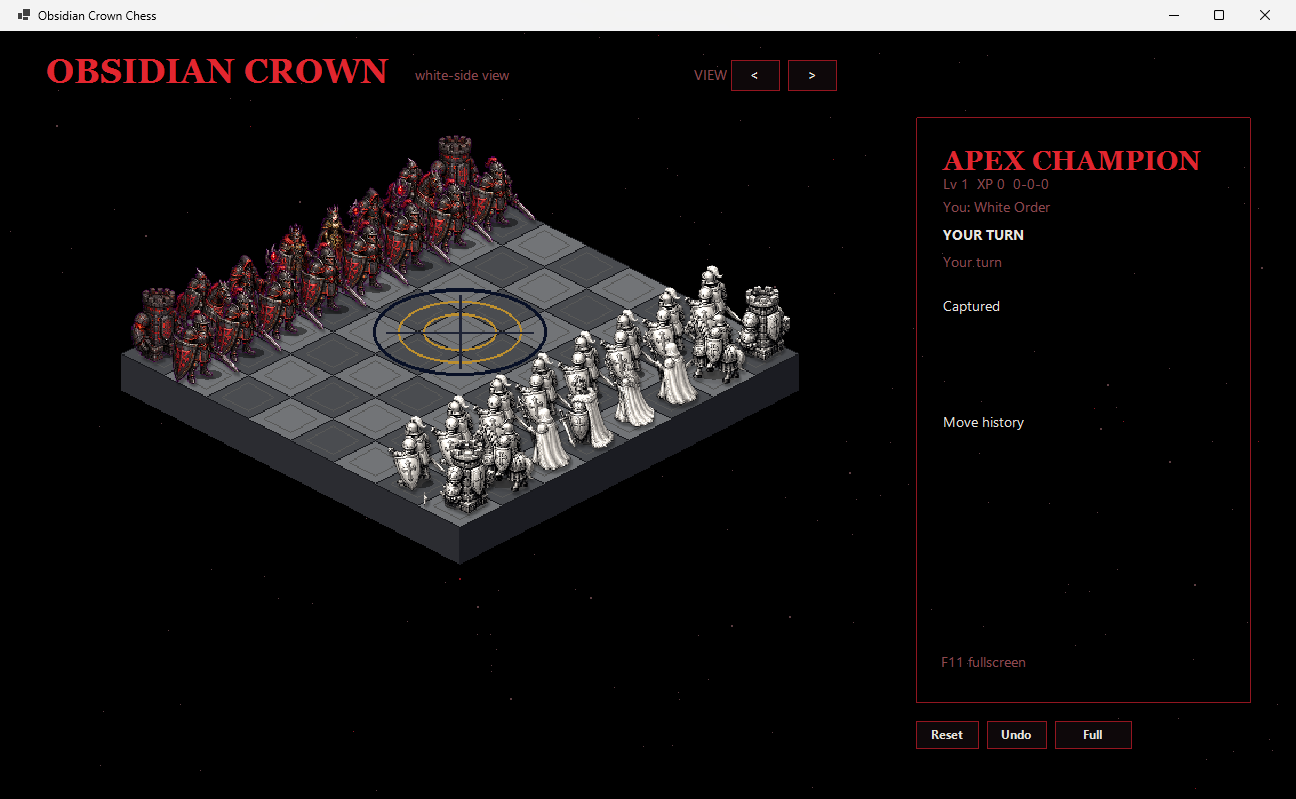
Obsidian Crown Chess is not a browser toy or a reskin of a stock chess UI. It is a self-contained Windows desktop game that keeps full chess legality while presenting the board as a red-and-black tactical arena.
This public build is a playable desktop alpha focused on local single-player polish.
Castling, en passant, promotion, checks and mates — full rules, not “chess-like.”
Isometric unit sprites for every piece on both factions, with board depth and capture timing.
Face your local APEX champion. Progress and identity live on your machine under LocalAppData.
Play as White Order or Black Court — your chosen side starts nearest the camera.
Self-contained Windows x64 zip. No installer required — extract and double-click the exe.
C# / .NET WinForms client with modular Core, Engine, Data, and packaging tooling in-repo.
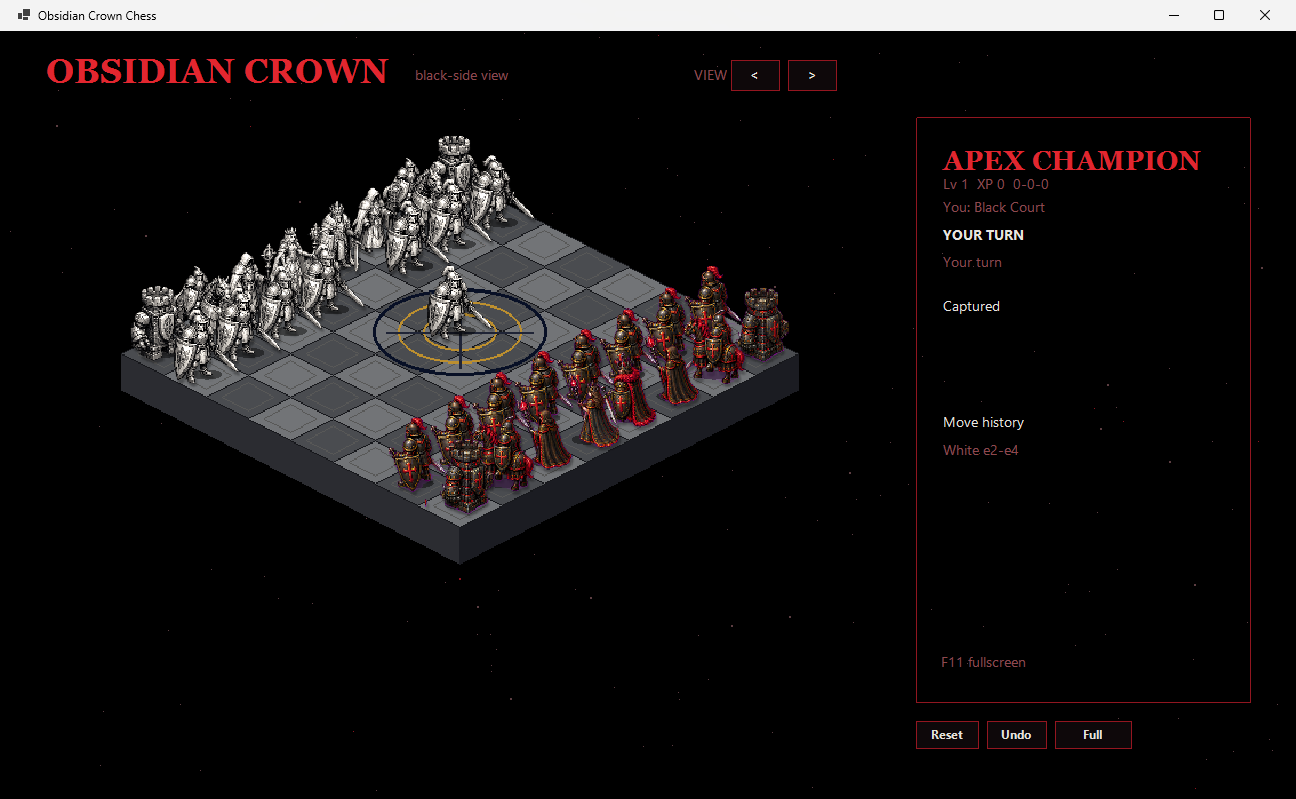
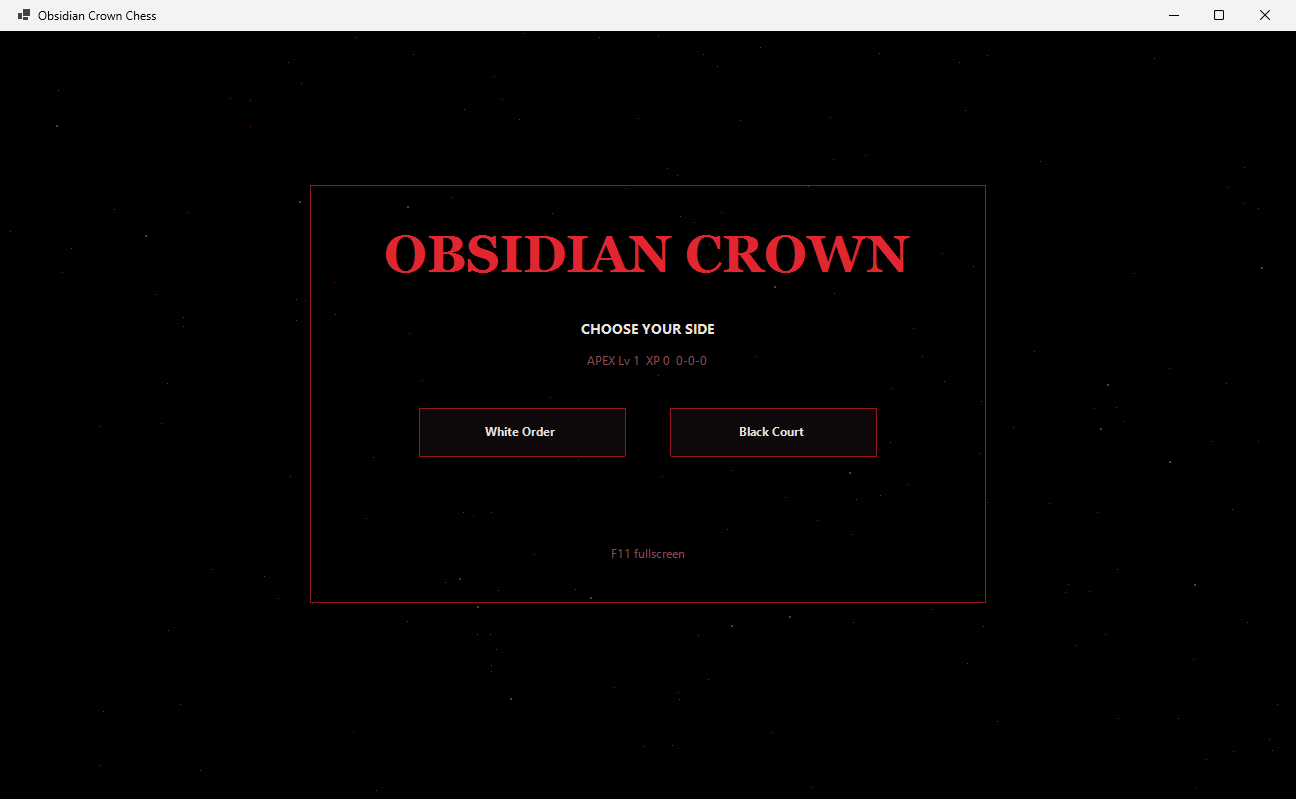
In-game captures from the current desktop build.
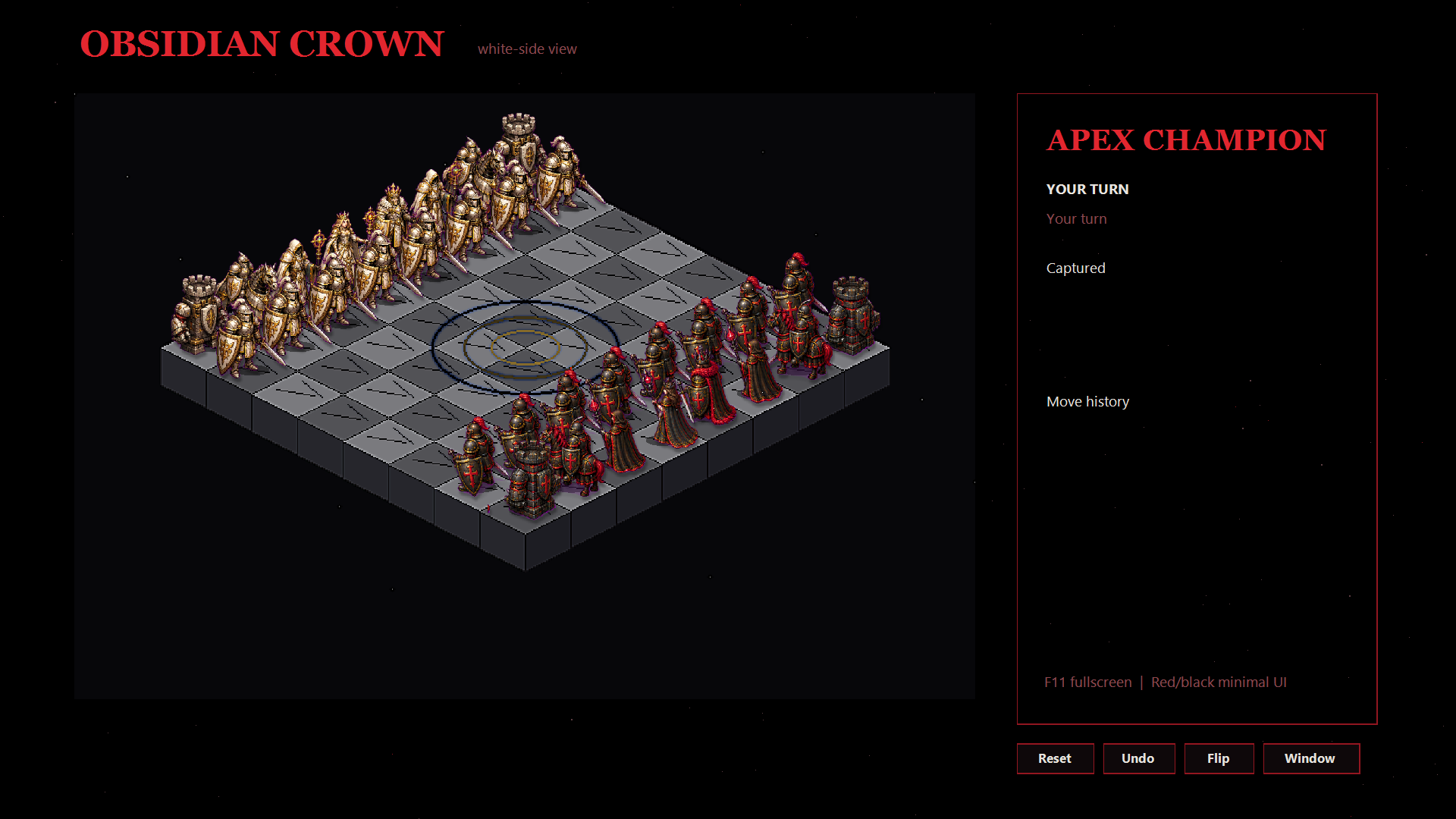
The easy path for players: download the portable release zip. No Visual Studio, no .NET SDK install required.
Open
Releases → Latest
and grab ObsidianCrownChess-0.2.0-win-x64.zip
(or the newest *-win-x64.zip).
Unzip to any folder you own (Desktop, Games, etc.). Keep the whole folder together — assets, vendor tools, and the exe need to stay side by side.
Double-click ObsidianCrownChess.exe.
If Windows SmartScreen appears, choose More info → Run anyway
(unsigned private/public alpha builds are expected for now).
Choose White Order or Black Court, then play. Press F11 for fullscreen. Use the sidebar for turn state, captures, history, reset, and undo.
| OS | Windows 10 or 11, 64-bit |
|---|---|
| Package type | Self-contained portable zip (~280 MB) — .NET runtime included |
| Settings location | %LocalAppData%\ObsidianCrownChess\ |
| Engine | Bundled Stockfish (UCI process) when present; fallback engine otherwise |
| Auto-update | Not in the portable zip yet — grab new releases from GitHub |
Short, focused loop designed for “one more duel.”
White Order or Black Court. Your faction starts closest to the camera so the board reads as your front line.
Click a piece, then a legal square. Captures resolve with combat timing; the sidebar tracks history and material.
Single-player is train-vs-your-bot: improve by playing your champion, not by picking Easy/Medium/Hard from a menu.
Shipped as a public playable alpha — not a finished Steam product.
Grab the latest Windows x64 portable build, unzip, and run
ObsidianCrownChess.exe. Source and issue tracker live on GitHub.
Stockfish is free software under GPLv3 and is launched as a separate process.
See THIRD_PARTY_NOTICES.md in the repo and release package.